Guides
A calmer, prettier
Google Calendar.
Short, plain guides to colors, backgrounds and dark mode in Google Calendar. Most of it works with Google alone; we say clearly when you need CalHue.
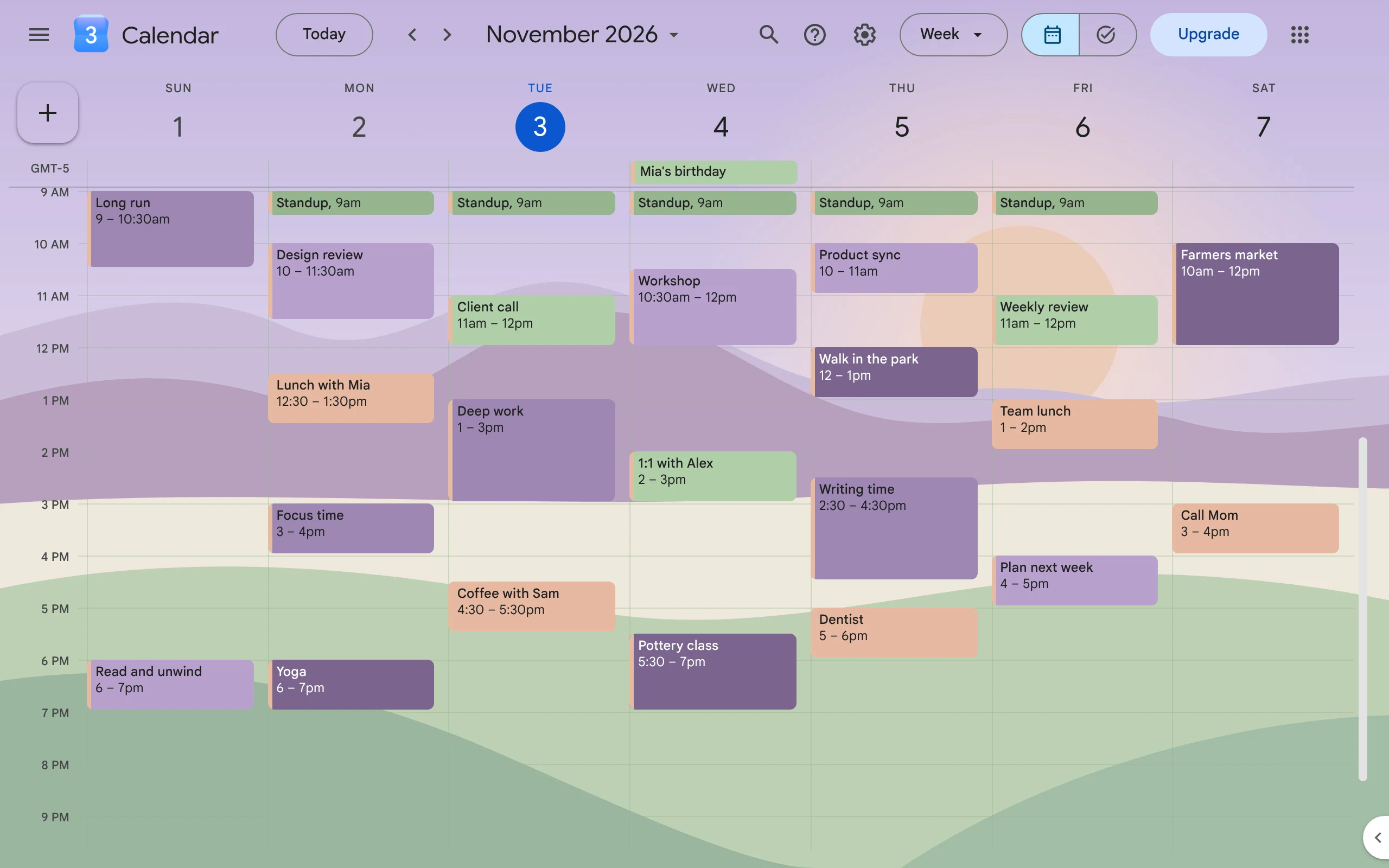
How to Make Google Calendar Aesthetic
Pick a few soft colors that go together, give each one a job, and add a background picture. Google does the colors; a free Chrome extension adds the picture.
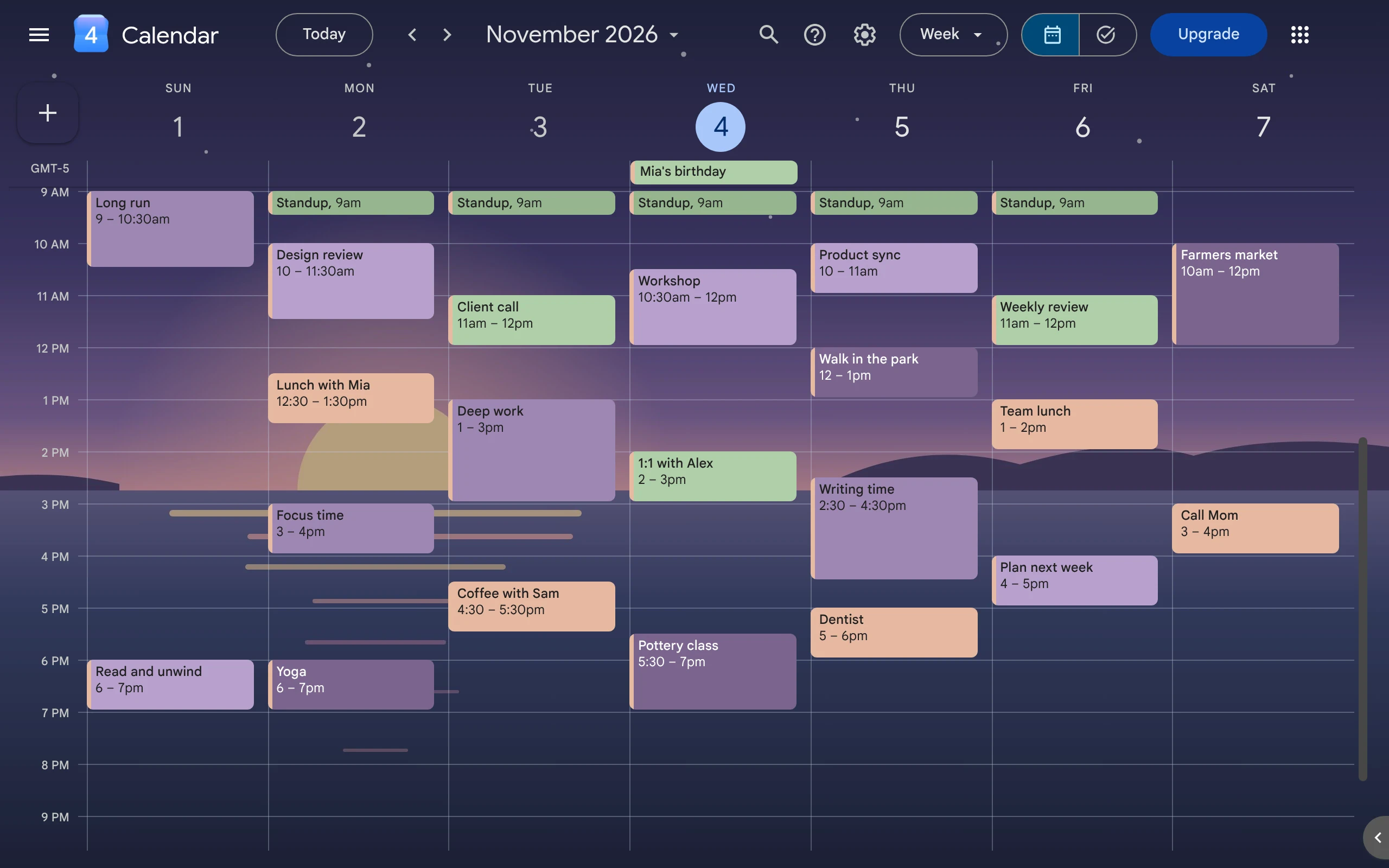
Does Google Calendar Have a Dark Mode?
Yes. Google Calendar on the web has a dark mode. Turn it on in Appearance, then use soft, light event colors so your events stay easy to read.
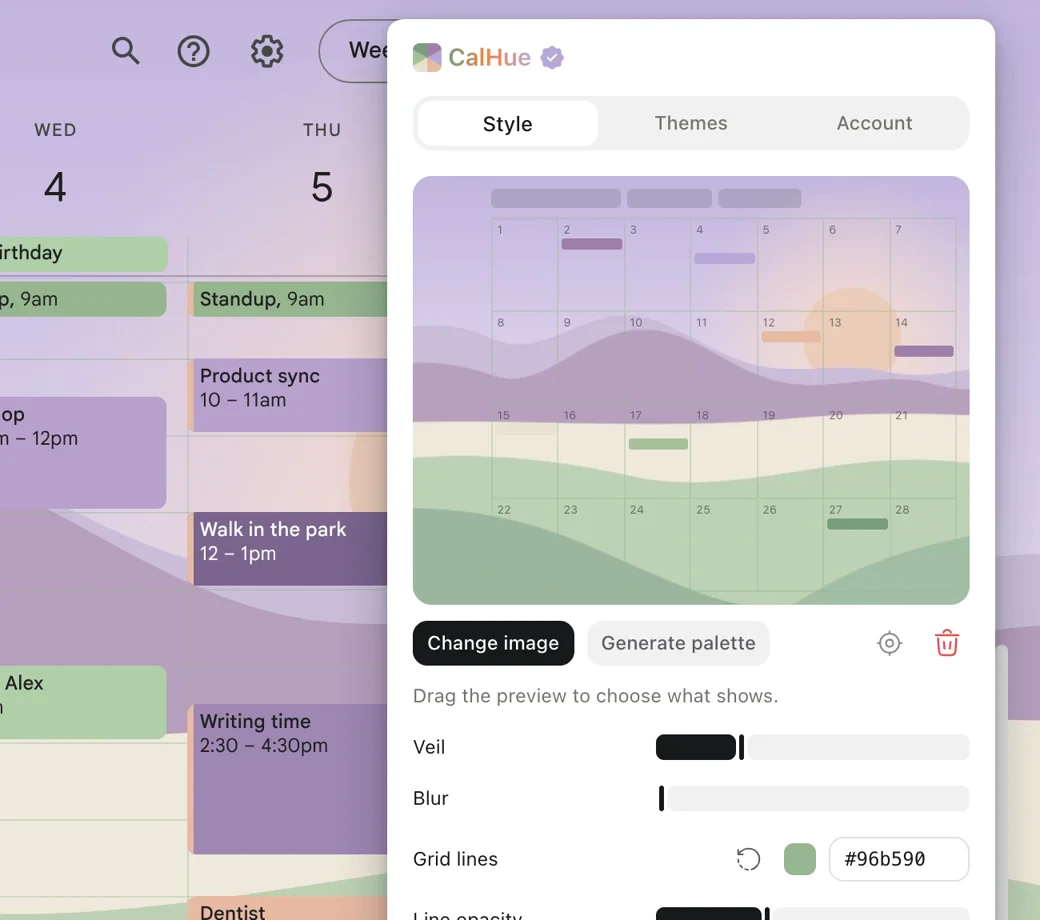
How to Change Your Google Calendar Background
Google Calendar has no setting for a background picture. This guide shows how to add your own picture with CalHue, a free extension for Chrome.
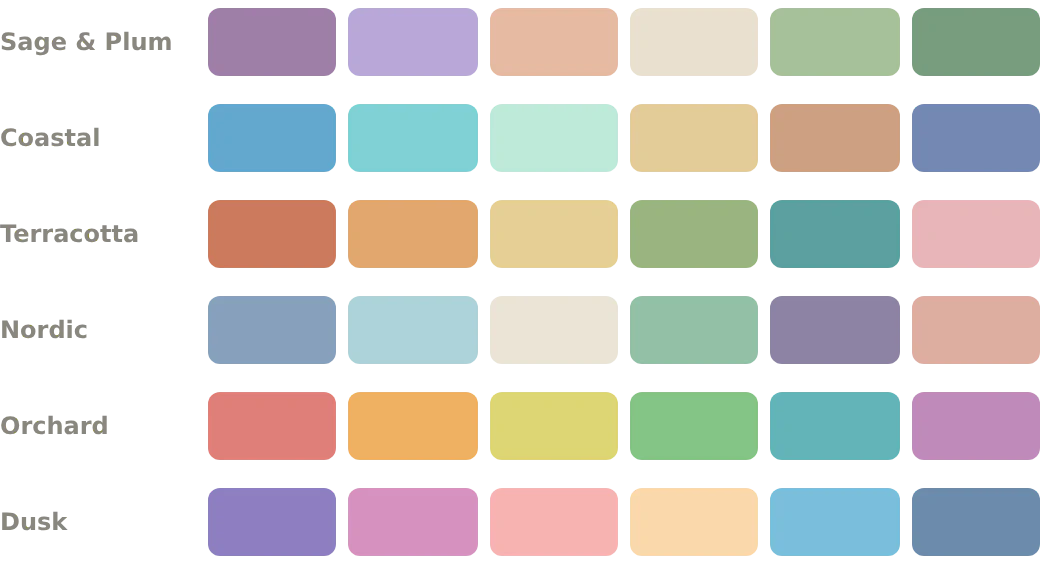
Google Calendar Color Palettes with Hex Codes
Six sets of colors for Google Calendar, with hex codes you can copy. Each color keeps event names easy to read, in light and dark themes.
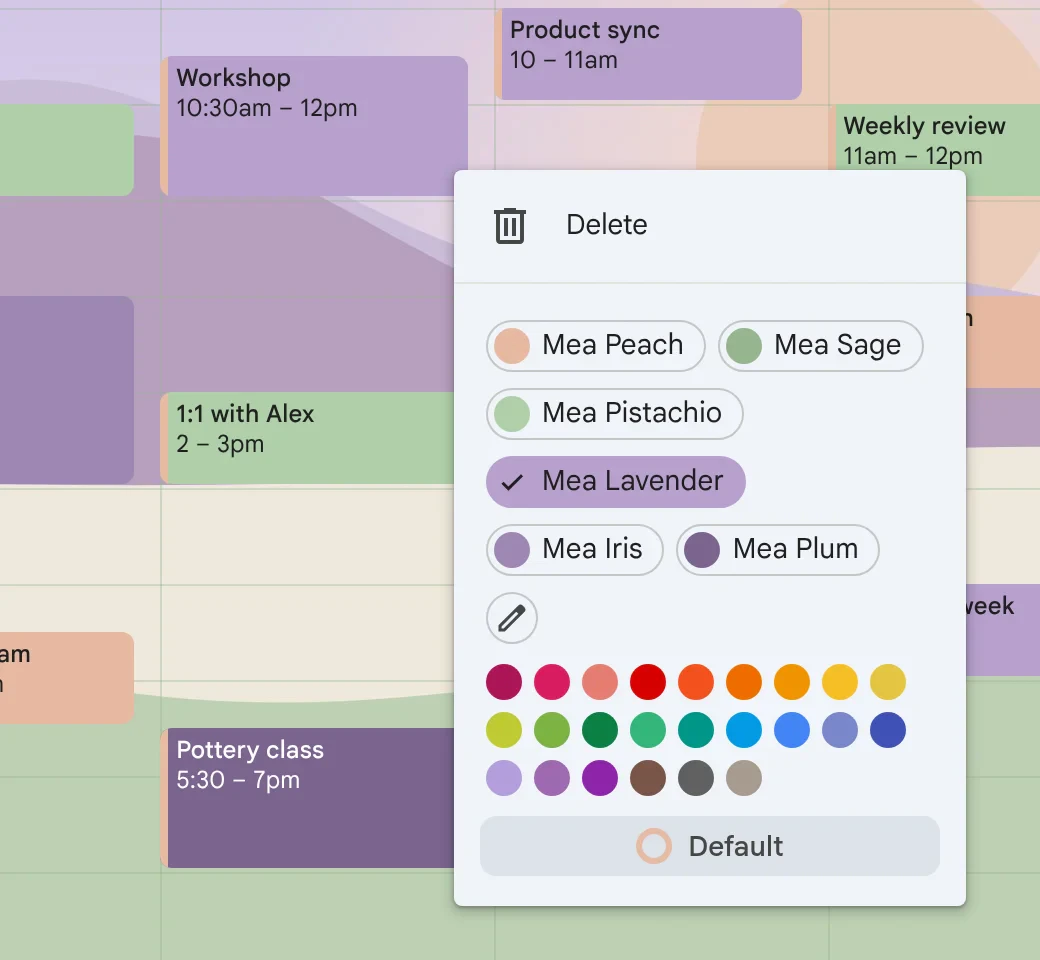
How to Use Custom Event Colors in Google Calendar
Google Calendar now lets you give events any color, not just the old 11. Here is how to add your own colors, use them, and fix them when they don't show.