Try your own: drop, paste or pick an image. The colors are made right here, by CalHue’s own generator.
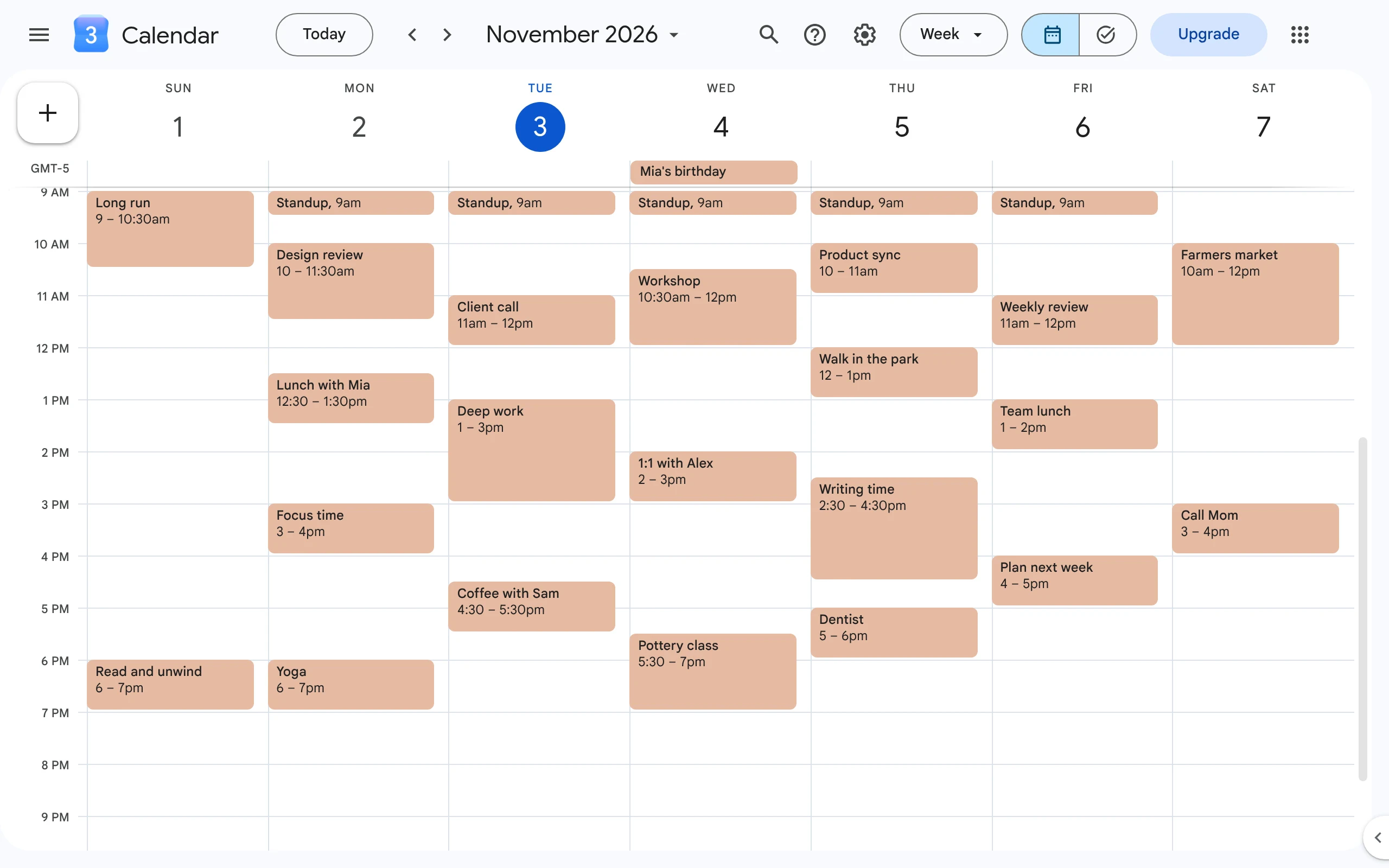
Real Google Calendar
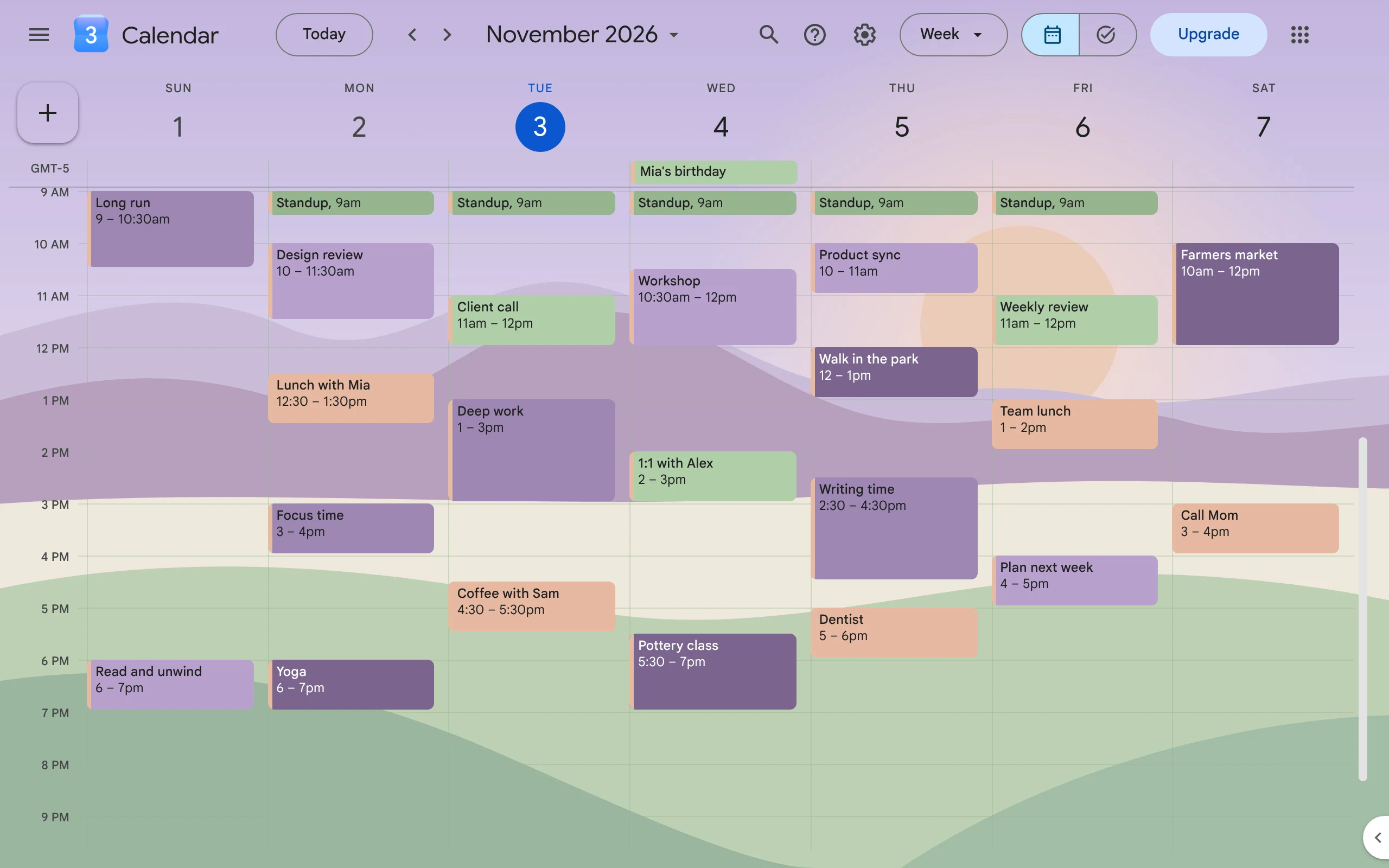
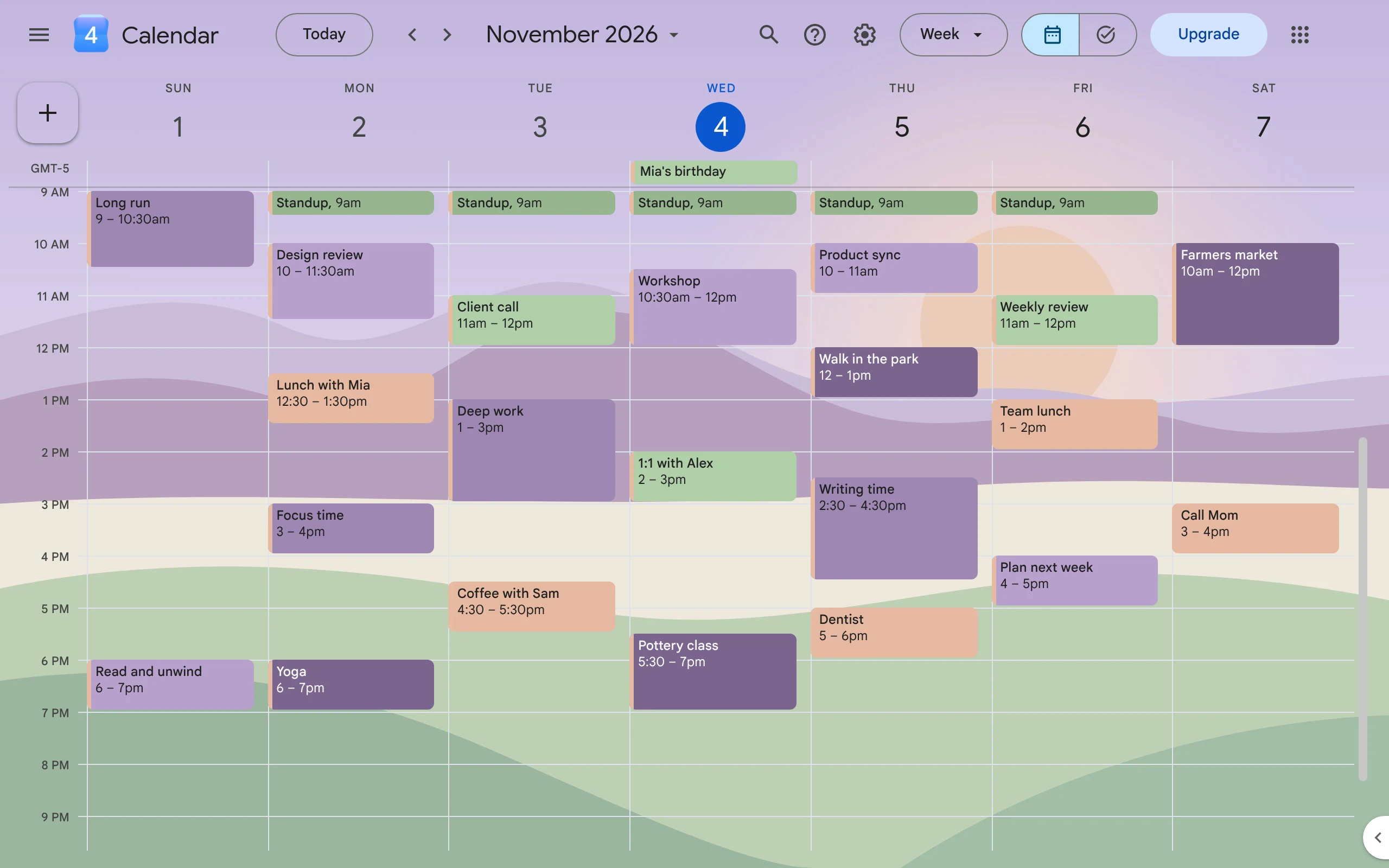
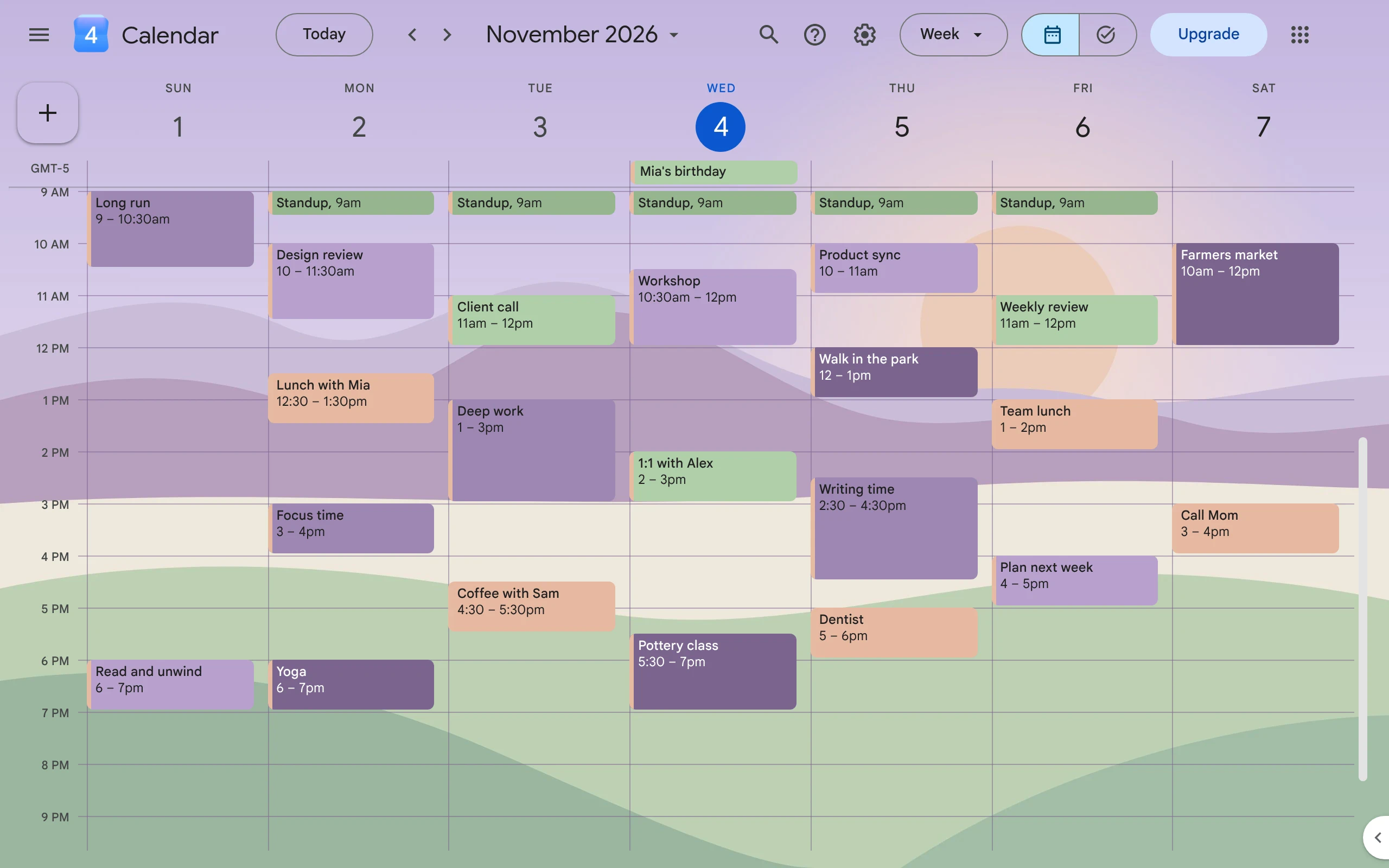
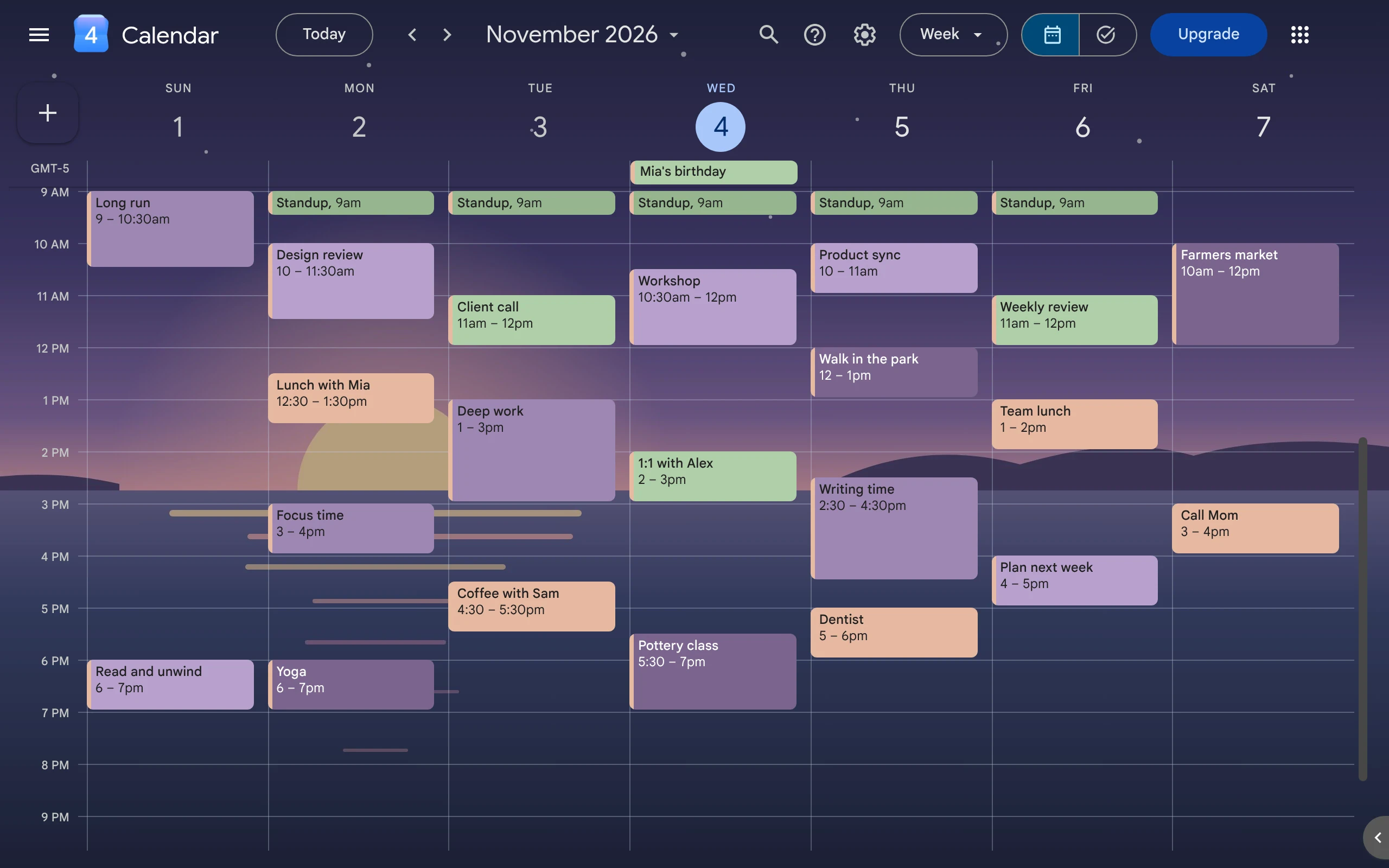
Same week, same events. Now it feels like yours.
A real calendar before and after CalHue. Drag to compare.
BeforeWith CalHue
How it works
One image sets the whole mood.
01
Start with an image
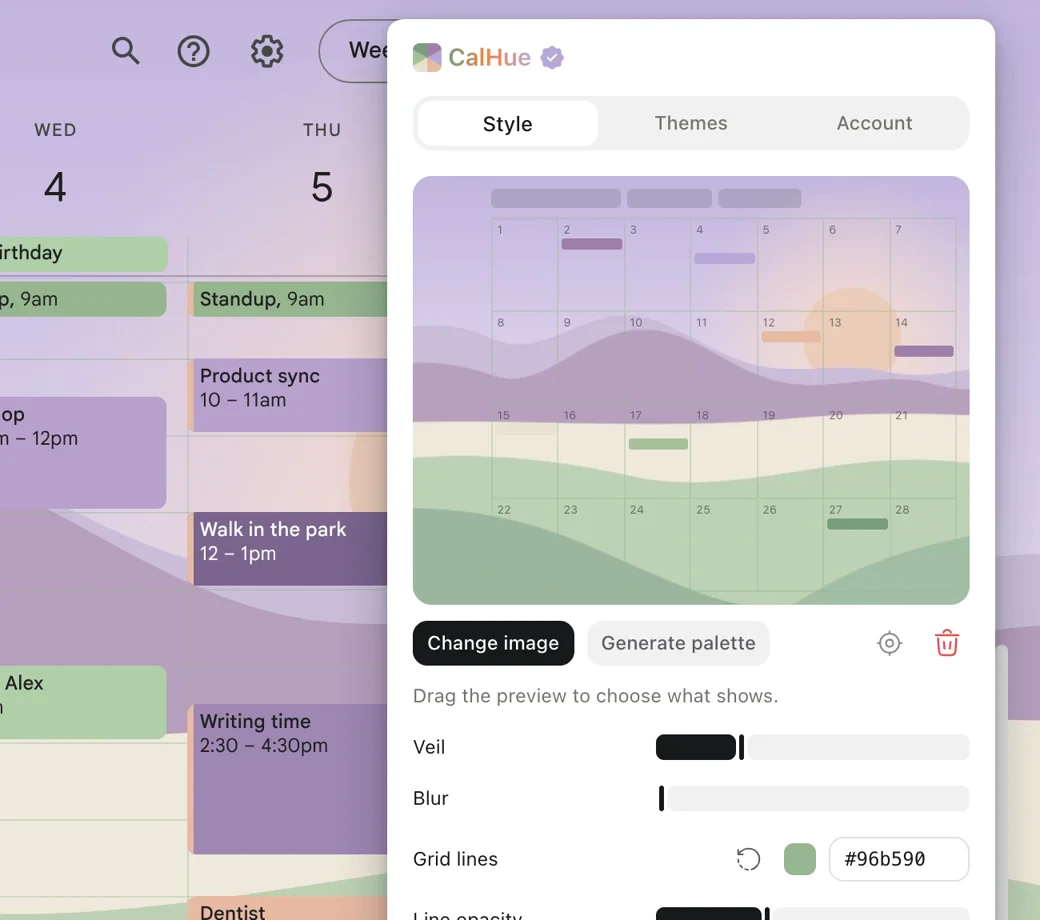
Choose a photo or illustration in the CalHue popup, drop it on the preview, or paste it. Drag to choose
which part shows. A veil that follows Calendar’s light or dark theme, and an optional blur, keep events
easy to read.
JPG, PNG or WebP, processed inside the extension
Day, week, month, year and schedule views
Grid lines in any color, as strong or faint as you like
02
Get six colors made from it
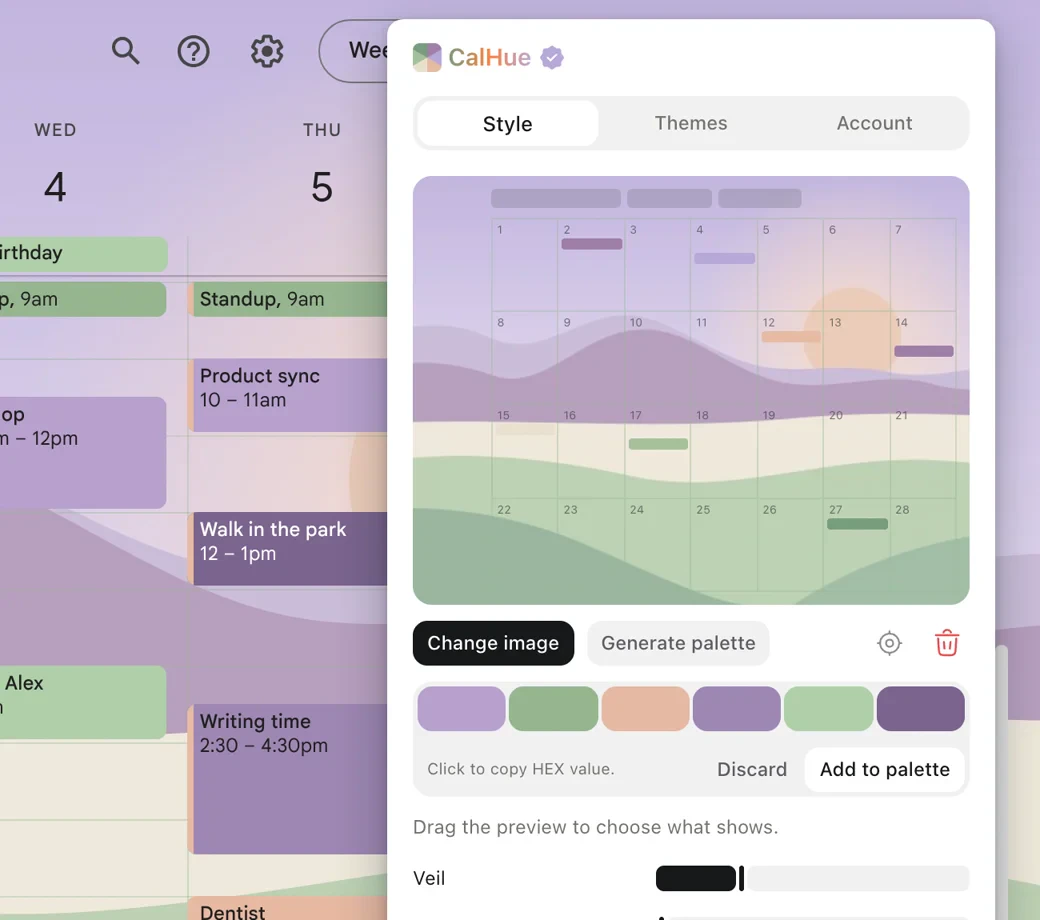
Click Generate palette. CalHue picks colors that belong with your image and keep event titles readable in
Google Calendar, in both light and dark themes. Previewing them is free; with Pro, save them as a palette.
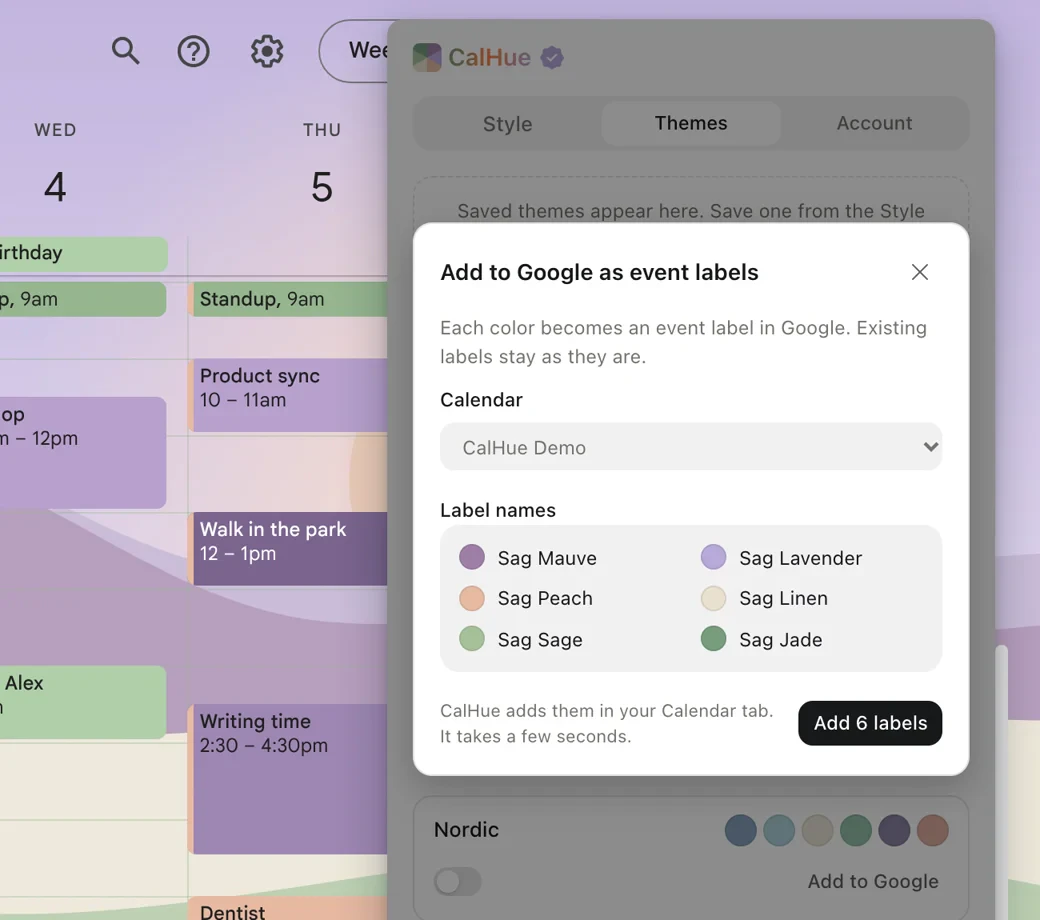
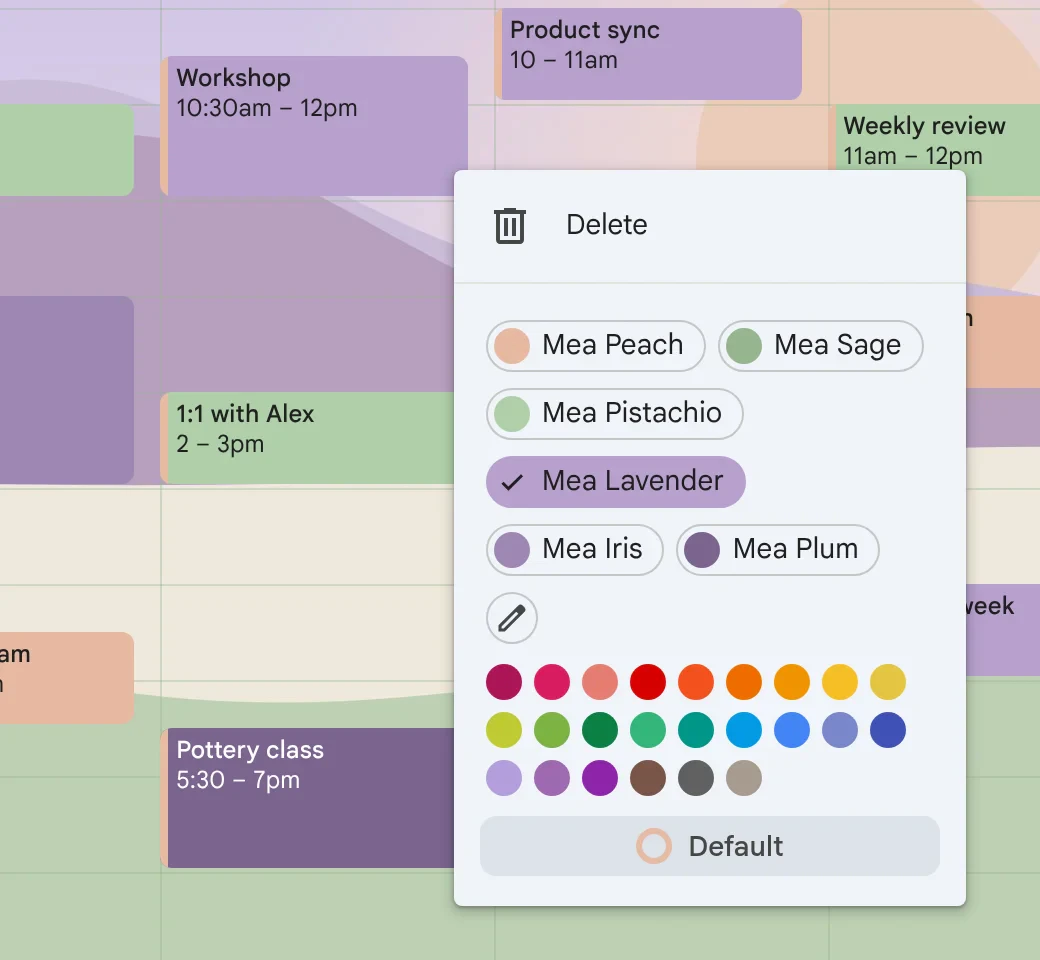
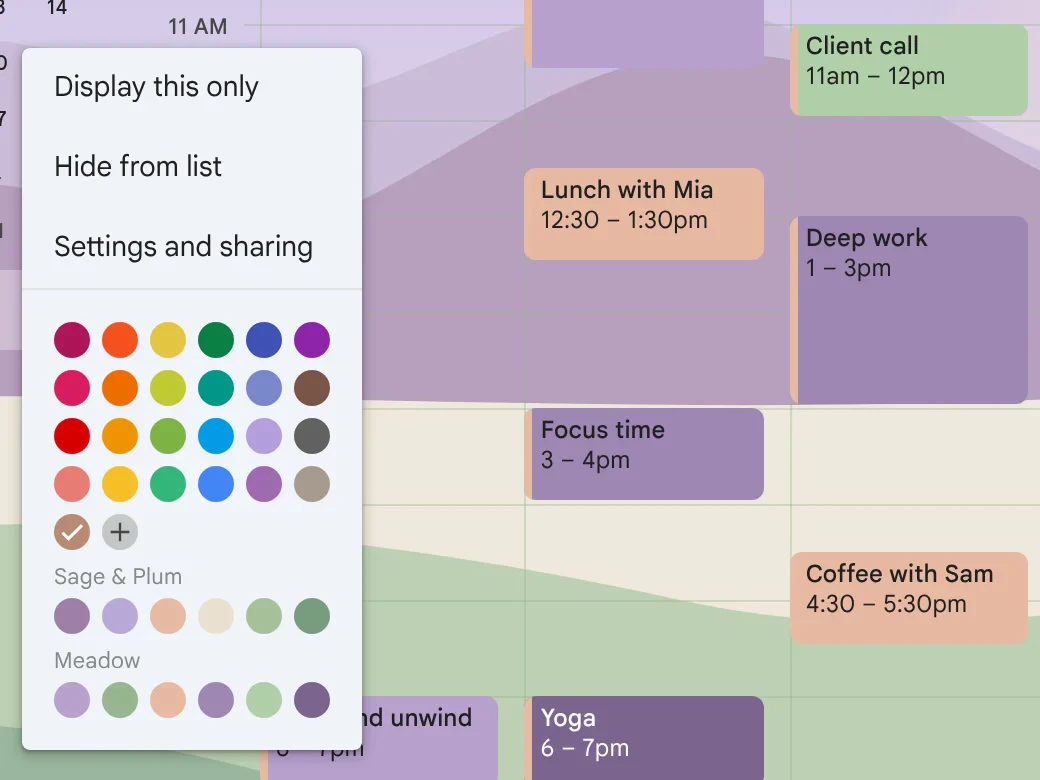
Pick a palette and a calendar. CalHue adds each color as an event label, named after the palette and the
color, like Sag Mauve. Then choose it from any event’s color menu, like a label you made yourself.
Saved in your Google account, so they show on your phone too
Only adds labels; never changes your events or existing labels
Done in Google’s own Labels dialog, in a few seconds
The details
Small things, done carefully.
Grid lines that fit
Pick any color for Calendar’s grid, and how strongly it shows. Or keep Google’s lines.
Palettes in the calendar menu
Open ⋮ next to any calendar and your palettes sit right under Google’s colors. One click sets the calendar’s color. Free.
At home in dark mode
The veil follows Calendar’s light or dark theme, and generated colors look the same in both.
Save it as a theme PRO
Background, framing, veil, blur and grid lines, saved together. Switch your whole look in one click.
Spring
Late nights
Desert
10 languages
No CalHue account
Unlimited palettes of your own
Labels follow you to every device
Built-in palettes
Six palettes, ready on day one.
Soft colors chosen so Google puts dark, readable text on every one of them, in light and dark themes. Click a
color to copy its hex code.
Applicable taxes are added at checkout. Payments are handled by Creem, our Merchant of Record. Full refund
within 14 days, no questions asked. If Pro ends, everything you saved stays.
Questions
Good to know
Is CalHue free?
Yes. Your own background image, the veil and blur, grid line colors, six built-in palettes, unlimited palettes of your own, palettes in the calendar color menu and previewing colors made from your image are all free. CalHue Pro is a one-time US$9.99 purchase that saves generated colors, adds palettes to Google Calendar as event labels in one step, and saves themes.
Will my colors show on my phone?
Event labels and calendar colors you set through CalHue are saved by Google in your account, so they show wherever you use Google Calendar, including the phone app. The background image, grid lines and veil show in Chrome on your computer, in the profile where CalHue is installed.
Can other people see my background?
No. The background only shows in your own Chrome. Event labels are visible to you and to people who can make changes to that calendar.
Does CalHue read my events or upload my image?
No. CalHue does not read the titles, times or guests of your events. Your image is processed inside the extension and never uploaded. The extension has no account, no ads and no analytics; the only thing it sends is a license check if you use Pro. See the privacy policy.
Will CalHue change my events or labels?
Never. CalHue only adds labels, when you ask it to, through Google Calendar’s own Labels dialog. It never changes or removes the labels you already have, and never edits your events.
Which browsers and views does it work with?
Google Calendar on the web, in Chrome on a computer. The background shows in day, week, month, year, schedule and custom views. Settings, Tasks, Trash and the full event editor keep Google’s own look.
What happens if Pro ends?
Everything you saved and your current look stay, and labels already in Google Calendar remain yours. Saving generated colors, adding labels to Google and saving or switching themes lock again. Full refunds are available within 14 days of purchase; see the terms.
I used an earlier version. What changed?
Earlier versions colored single events inside the extension. Google Calendar now supports custom event colors itself, so CalHue leaves event colors to Google. Your background and palettes carry over, and colors you set on single events are kept as the palette “Legacy event colors”, which you can add to Google in one step. Installations updated from an early version receive Pro at no charge, as thanks for early support.
Which languages is CalHue in?
English, Simplified Chinese, Traditional Chinese, Japanese, Korean, Spanish, French, German, Portuguese and Russian.
Who makes CalHue?
CalHue is made by zojro, an independent developer. It is not affiliated with or endorsed by Google. Questions and feedback are welcome at hi@zojro.com.